
Click to download now, finish the installation quickly, and directly unlock the all-round experience
Screenshots
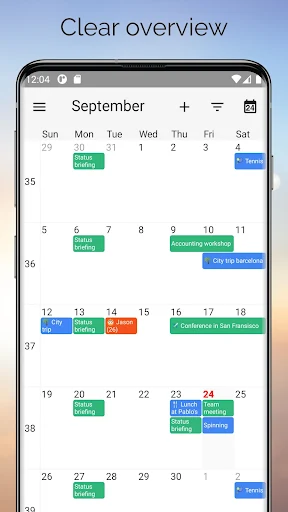
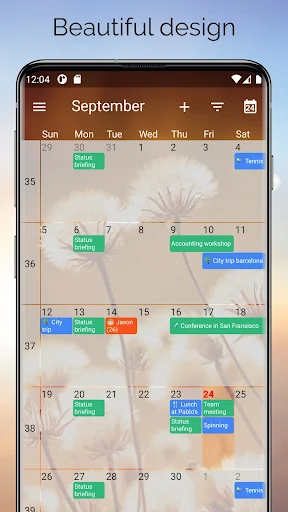
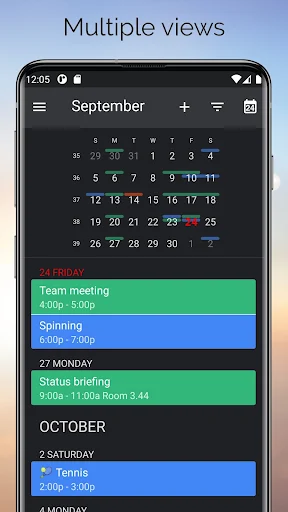
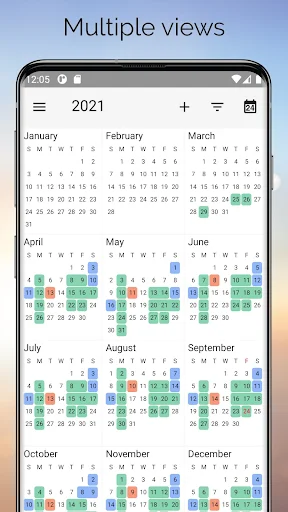
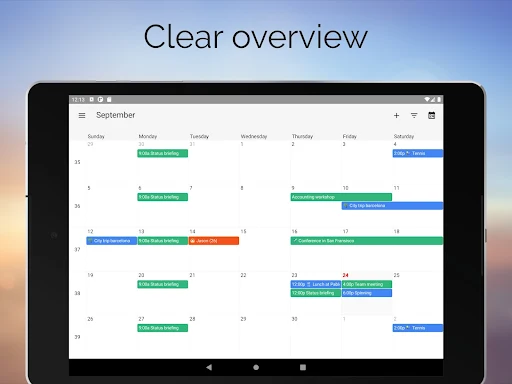
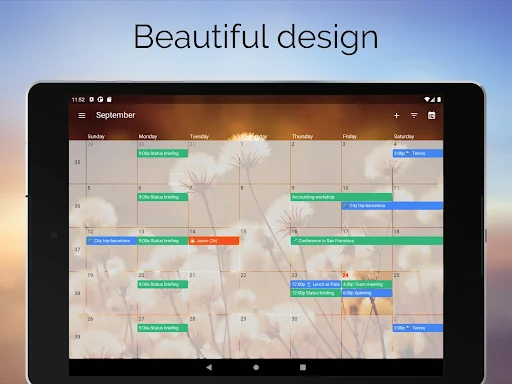
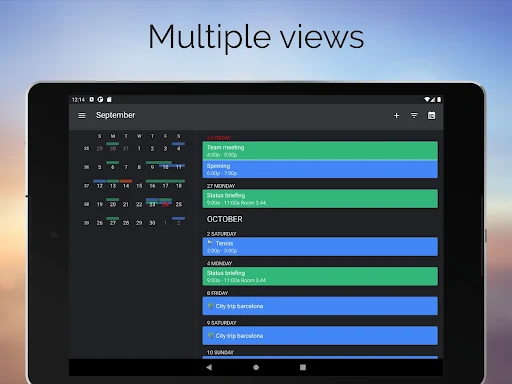
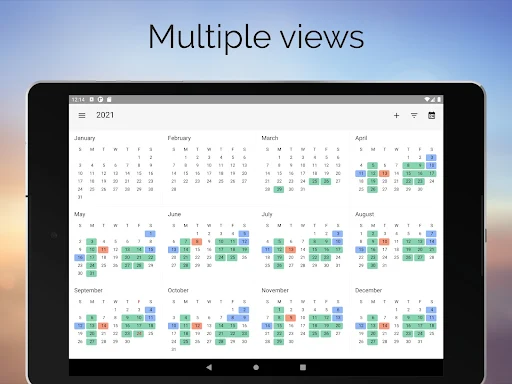
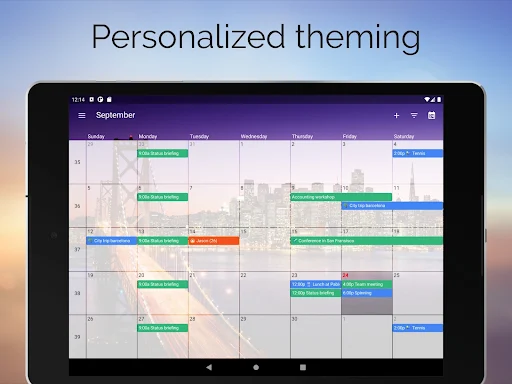
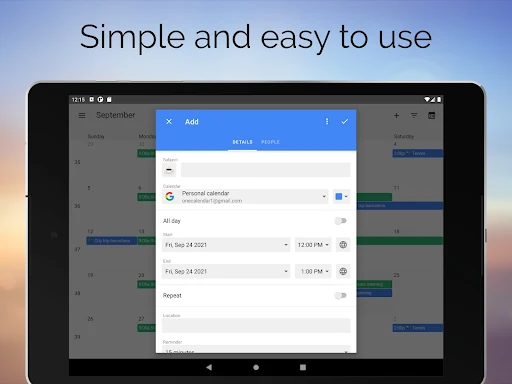
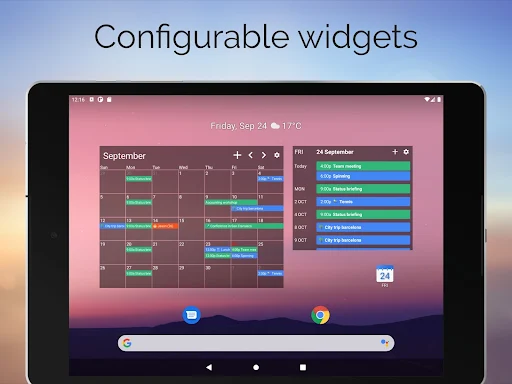
Click to download now, finish the installation quickly, and directly unlock the all-round experience
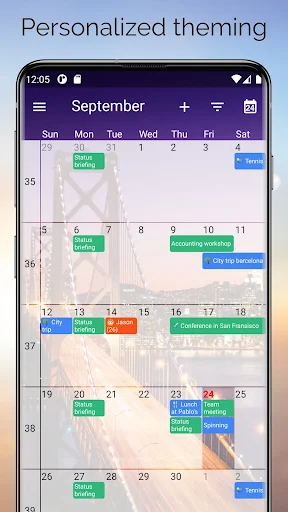
One Calendar brings calendars from different services into one overview. You can use it to view and manage appointments, events and birthdays without opening each calendar service separately. It is a productivity app from Code Spark.
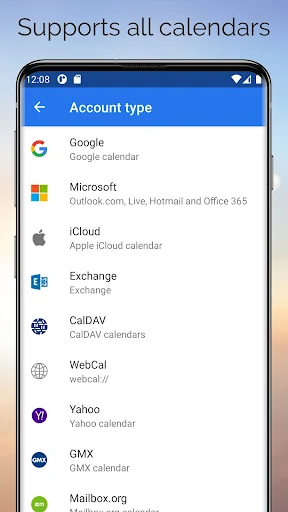
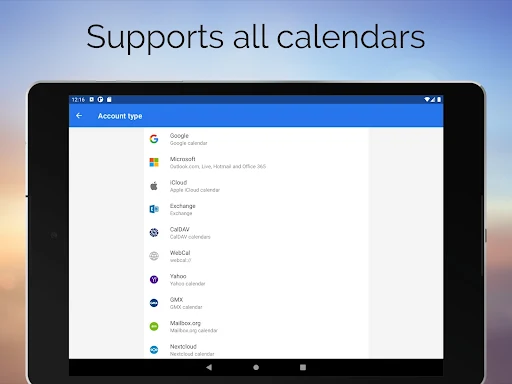
Services named in the app information include Google, Outlook, iCloud, Exchange, Office 365, Yahoo, Nextcloud, Synology, GMX, Mailbox.org and ownCloud. The list also includes Live calendars. One Calendar is intended for people who use more than one of these services and want their schedule together in one place.
This app may suit people who split personal, work or family events across separate calendar accounts. It is also relevant if birthdays and appointments are part of the schedule they want to keep track of. The app information says it is available on Android, iOS, macOS and Windows, which may help people who use more than one kind of device.
The information provided does not explain how accounts are connected or whether every listed service works in every region. Check the details for the calendar services you rely on before choosing it.
One Calendar has a rating of 4.69 out of 5 from 64,931 ratings, with more than 1,000,000 installs. Those figures show that many people have tried it, but they do not tell you whether it will suit your calendar setup.
The supplied facts do not state the app’s price or list the Android permissions it requests. Check the current app listing for those details before deciding. In particular, review what access it asks for when you connect calendars, since that is central to using the app.