Canva: AI Photo & Video Editor
Canva
Downloads
500,000,000+
Source
Google Play
Click to download now, finish the installation quickly, and directly unlock the all-round experience
Screenshots

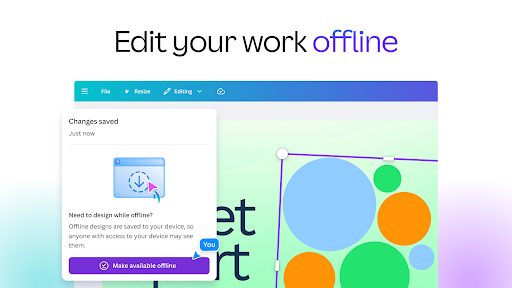
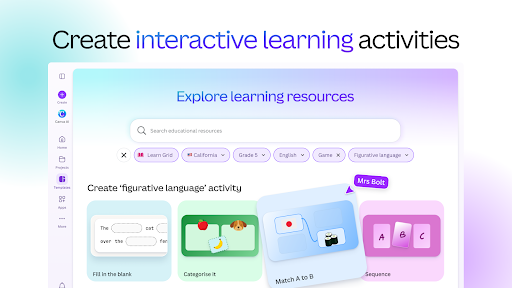
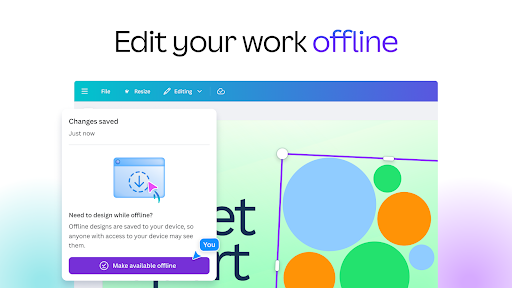
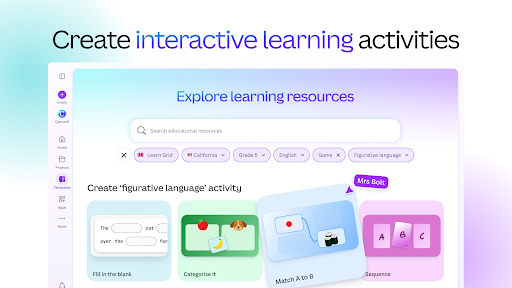
Click to download now, finish the installation quickly, and directly unlock the all-round experience
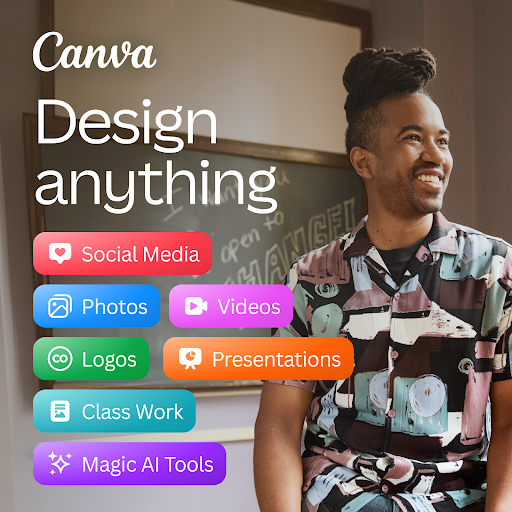
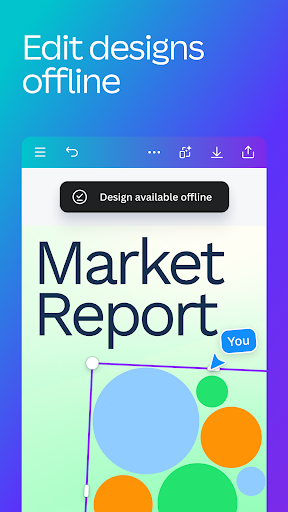
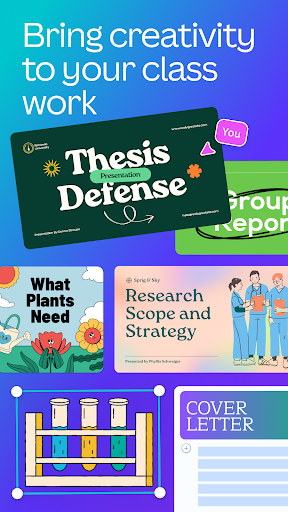
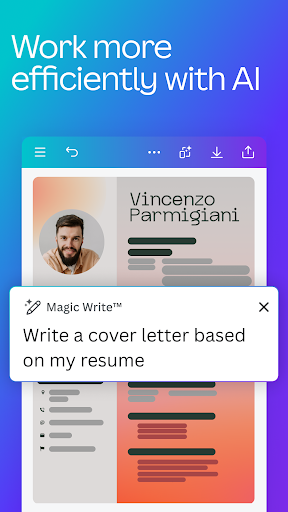
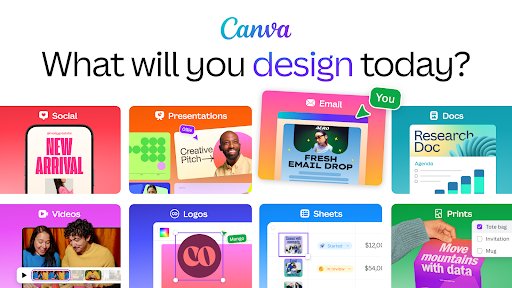
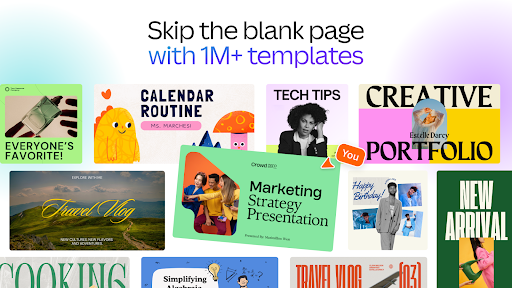
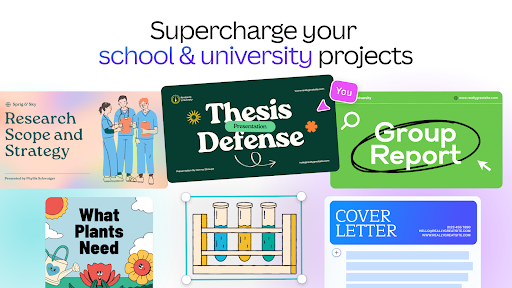
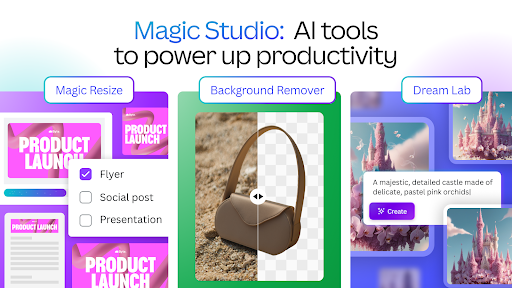
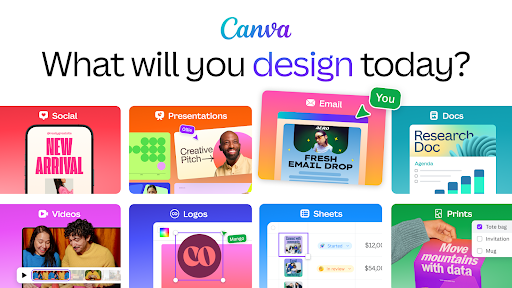
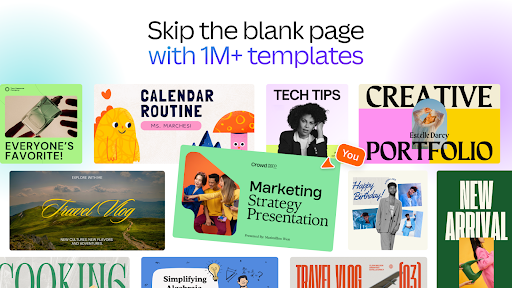
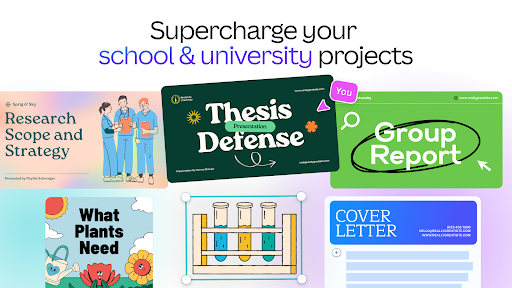
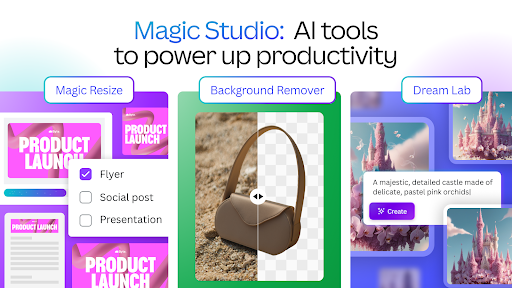
Canva is a design and editing app for making images, videos and layouts on an Android phone. It suits people who want to create social posts, invitations, flyers, presentations, CVs or logos without starting from a blank page. You can choose a template, add your own content and adjust it in the editor.
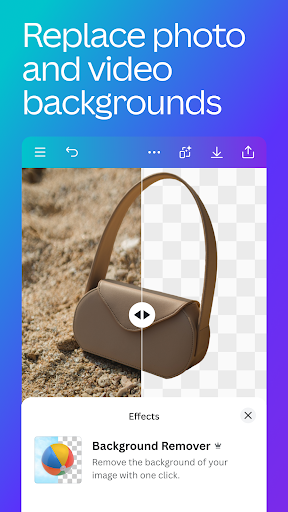
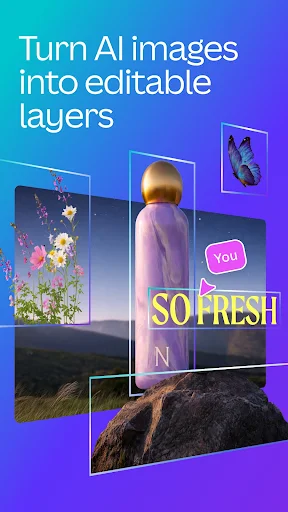
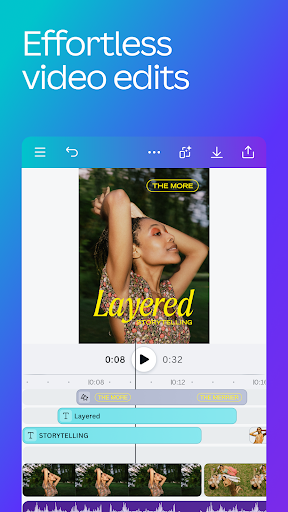
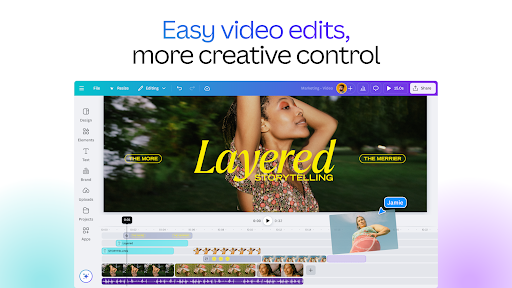
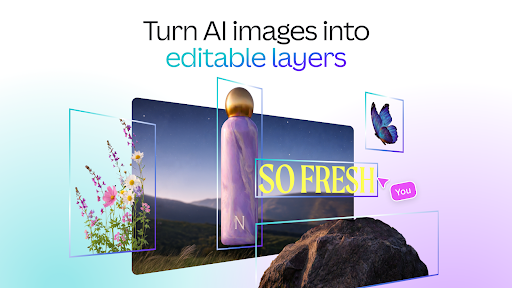
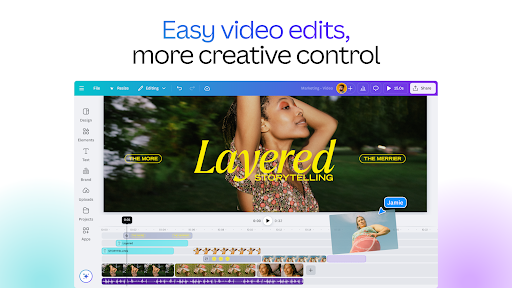
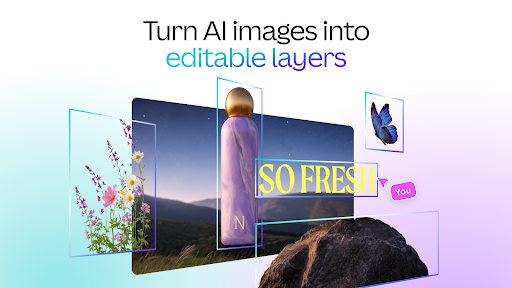
For photos, tools include cropping, filters, brightness and contrast adjustments, and adding text. Canva also offers AI image generation from text. For video, you can edit clips, add audio and use animations or transitions.
Canva is useful for casual projects as well as regular social media or work designs. Templates can help if you do not have a design plan yet. People who want detailed control over every part of an image or video may prefer a dedicated editing app.
Canva is free to use, with some features reserved for Canva Pro. The supplied information does not give a price for Pro. The app is published by Canva in the Art & Design category. It has a 4.78 rating from about 27.6 million ratings and more than 500 million installs.
The app is built around creating and editing photos, videos and other designs, so it is best suited to a phone where you can comfortably view and work on visual content. The supplied details do not specify storage needs, Android version requirements or device permissions. Check those details on the app listing if they matter for your phone.